Septic Tank Installation: A Complete Step-by-Step Guide
Whether you’re building on a rural lot or replacing a failing system, septic tank installation is one of the most regulated, and most consequential projects a homeowner can take on.




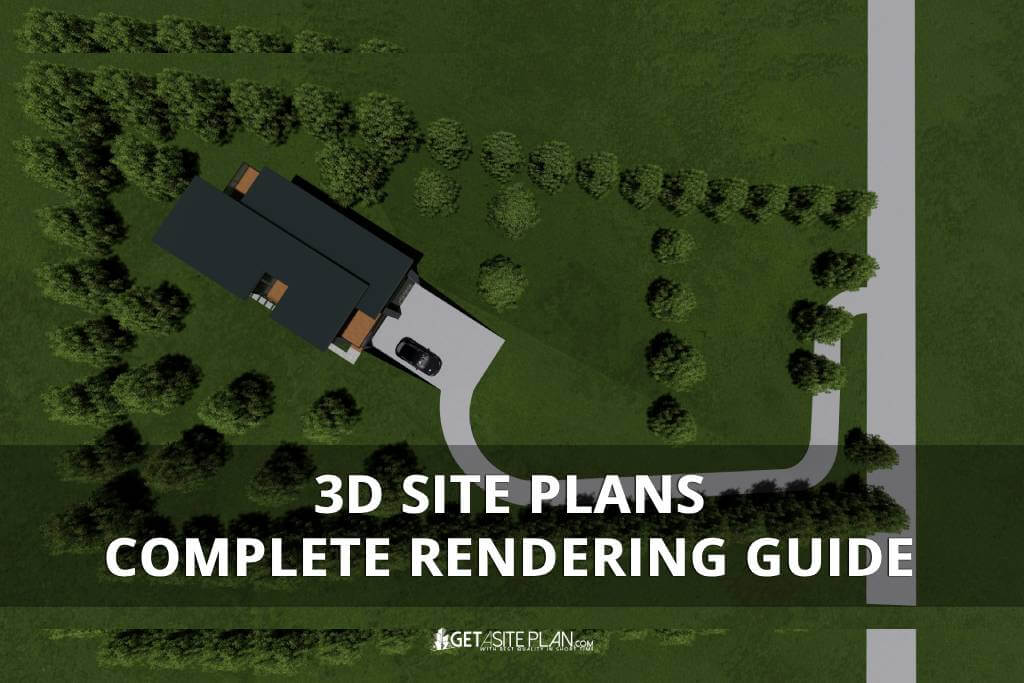

Before a single foundation is poured or a wall takes shape, every construction project begins with one thing – a plan.
But while traditional blueprints show dimensions, 3D site plans reveal depth, realism, and spatial relationships in a way flat drawings never can.
These detailed, three-dimensional visualizations combine architecture, landscape, and layout into a single, interactive view of a property.
Whether used for design presentations or permit submissions, a 3D site plan rendering helps clients visualize the project long before construction begins.

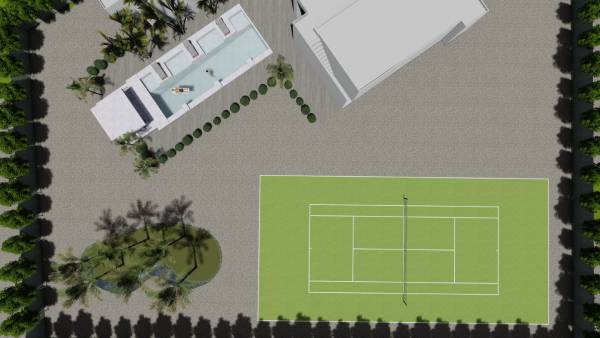
A 3D site plan is a realistic, three-dimensional visualization showing how a property will look once developed, including buildings, landscaping, roads, and topography. Unlike flat blueprints, it reveals depth, materials, and spatial relationships, turning technical data into an easy-to-grasp image.
In essence, it’s a digital 3D model that allows architects, builders, and clients to visualize the entire site layout before construction begins. A typical 3D site layout plan displays the building footprint, access points, and surrounding landscape in accurate scale.
These visualizations improve communication and collaboration between design teams and clients, ensuring every project detail is understood before approval.
Because visualization is only valuable when it serves a purpose, let’s explore why 3D site plan renderings truly matter.
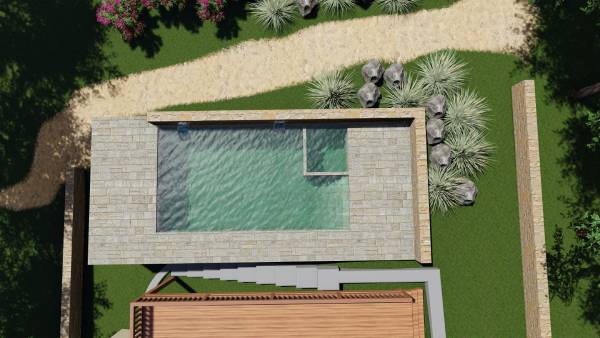
A 3D site plan rendering transforms technical data into a clear visual story. It helps homeowners, architects, and developers visualize the full scope of a project – from structure placement to landscaping and access roads before a single stake hits the ground.
Renderings showcase architectural details, materials, and lighting, making complex plans easier to review and approve. Clients review 3D site plans before approval because realistic visualization improves understanding and reduces costly design errors.
For professional presentations, a photorealistic rendering gives projects credibility and polish, helping developers secure faster permit approvals and client buy-in.
In short, a 3D rendering turns information into insight – turning technical planning into visual communication that drives decision-making.
To create such detailed and realistic visuals, it’s important to understand how 3D site plans are actually made.

Creating high-quality 3D site plan renderings requires more than just design skills – it depends on the right technology. Professional designers use advanced 3D modeling and rendering tools to achieve accuracy, depth, and photorealism.
While online 3D site plan makers and generators can help visualize basic layouts, they often lack the realism and precision needed for permit-ready or client-facing projects. That’s where professional site plan rendering services deliver the difference – turning technical plans into detailed, presentation-quality visuals.
| Approach | Type | Use Case | Output Quality |
| DIY Tools | Basic online creators | Concept layouts | Medium |
| Professional Services | Expert designers | Permit or presentation renderings | Excellent |
Table 1: Options for making 3D site plans
To understand how these visuals look in practice, let’s explore a few common examples of 3D site plans and how they’re used.
Producing a professional 3D site plan rendering requires more than creativity – it demands the right combination of modeling and visualization tools. Industry professionals often rely on platforms like AutoCAD, Revit, or SketchUp for modeling, and rendering engines such as Lumion or V-Ray for photorealistic output.
However, these programs require technical expertise, time, and powerful hardware.
For many homeowners and developers, working with professional 3D rendering services like GetASitePlan offers a faster, easier, and more affordable alternative. You simply upload your plan – and receive a finished 3D rendering ready for presentation or permit submission.
The table below summarizes the characteristics of the options available for 3D rendering.
| Option | Type | Use Case | Output Quality |
| AutoCAD / Revit | Professional Software | Technical 3D modeling | Very High |
| SketchUp / Lumion | Visualization Tools | Design & rendering | High |
| GetASitePlan | Professional Service | Ready-to-use 3D site plan renderings | Excellent |
Table 2: Software and service for 3D rendering
To better understand how these tools and services bring projects to life, let’s look at a few examples of 3D site plans in action.
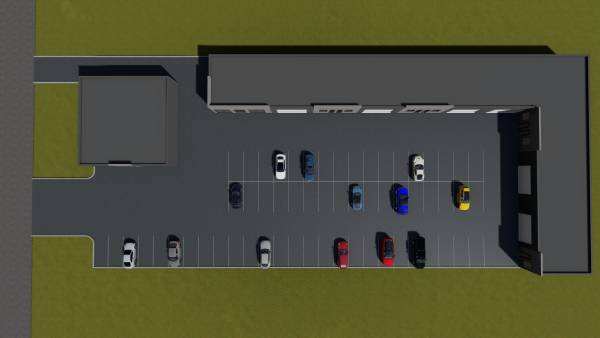
Each 3D site plan rendering tells a different story – whether it’s a residential property, a subdivision, or a commercial complex.
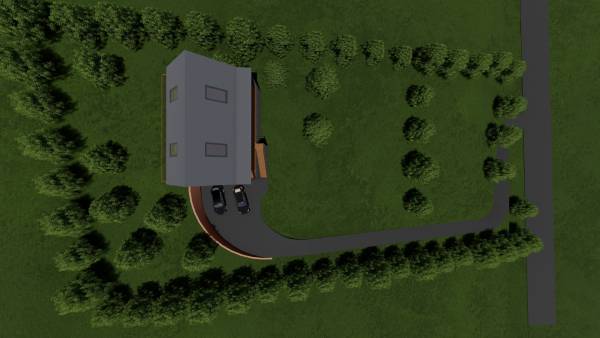
These examples show how accurate modeling, realistic textures, and thoughtful layout design create clear, presentation-ready visuals that clients and reviewers instantly understand.
When projects require more detail in planting, lighting, and materials, landscape design renderings provide a closer look beyond overall site layout – learn how to obtain one in our article “How to Get Landscape Design Rendering“.
To better understand how these renderings come together, watch this short video example created by GetASitePlan:
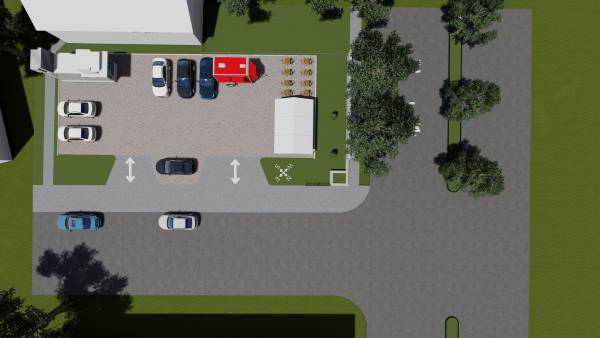
After seeing what’s possible with professional 3D renderings, getting your own custom site plan is easier than you might think. GetASitePlan 3D rendering services specializes in creating detailed, ready-to-use 3D renderings for any property type – residential, commercial, or subdivision.
You simply upload your existing drawing or sketch, and our design team handles everything from accurate 3D modeling to realistic rendering and layout presentation. Each plan is tailored to your project’s exact dimensions, topography, and design intent.
The result is a professional, high-resolution visualization that’s perfect for permit applications, client presentations, or simply previewing your future build in full detail.
The cost of a 3D site plan rendering depends on project size and complexity, but professional services typically start around a few hundred dollars per plan.
Most professional 3D site plans are completed within a few business days once the base drawings and project details are provided.
A 2D site plan shows layout and measurements from above, while a 3D site plan adds depth, materials, and realistic visualization of the property.

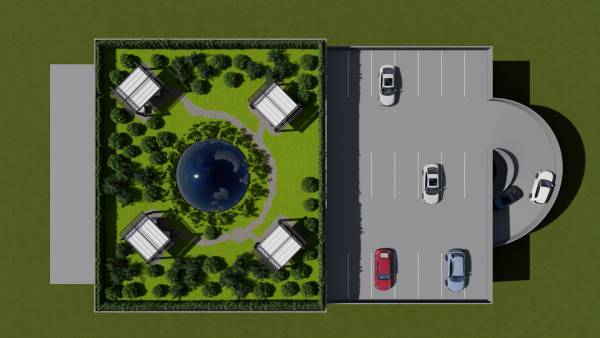
Every project begins with an idea but a 3D site plan turns that idea into something tangible and real. Through detailed modeling and photorealistic rendering, your vision becomes a clear, shareable image that everyone can understand.
GetASitePlan’s 3D Rendering Services combine technical precision and creative insight, helping you visualize, plan, and present your project with confidence.
Your next design doesn’t have to stay on paper – see it come to life in full 3D.

Whether you’re building on a rural lot or replacing a failing system, septic tank installation is one of the most regulated, and most consequential projects a homeowner can take on.
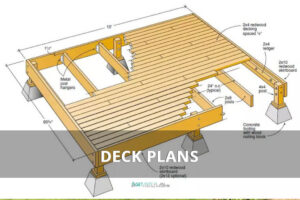
Ever tried explaining your dream deck without a drawing? Suddenly everyone’s imagining a different patio. That’s where a deck plan saves the day – the visual roadmap that turns “I
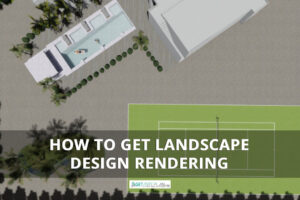
A landscape rendering gives you a 3D preview of your garden or yard – a chance to see every angle before any work begins. And it has gone digital. What
