
What Is a Site Plan: Definition, Elements and Examples
Planning a home addition, building a garage, or installing a swimming pool usually involves more than deciding where the new structure should go. You also need to show how the




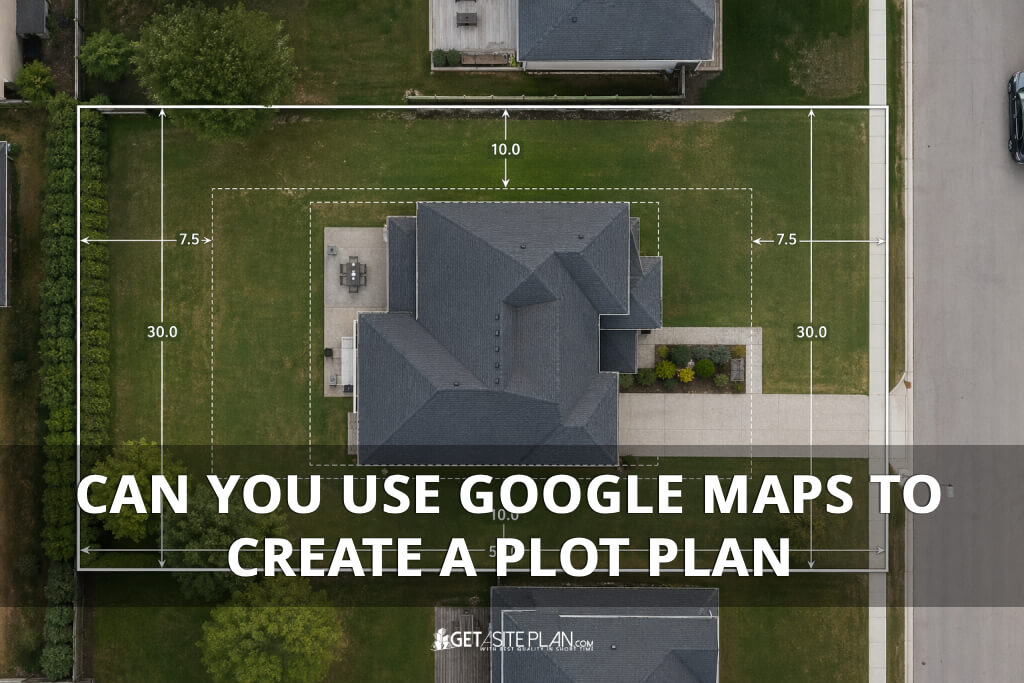

If you’re preparing a permit submission and wondering whether a Google Maps screenshot will do the job, you need a clear answer before you spend time, or money, on the wrong document.
The short answer is no.
Google Maps is a navigation and imagery tool, not a scaled technical drawing. Building departments across the US require plot plans that meet specific accuracy standards and Google Maps cannot meet them. This article explains exactly why, what your permit office actually needs, and how to get a compliant document.
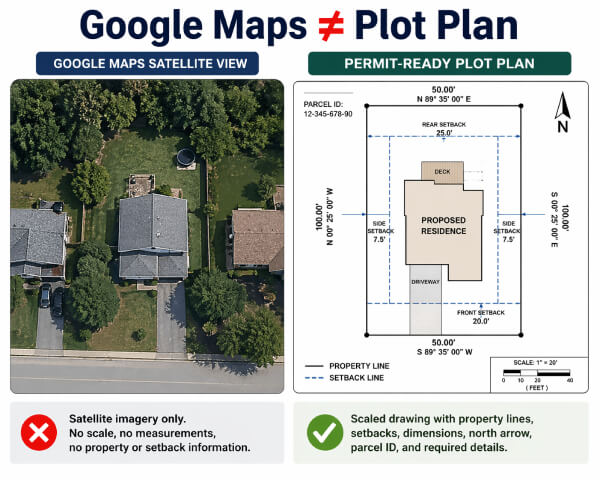
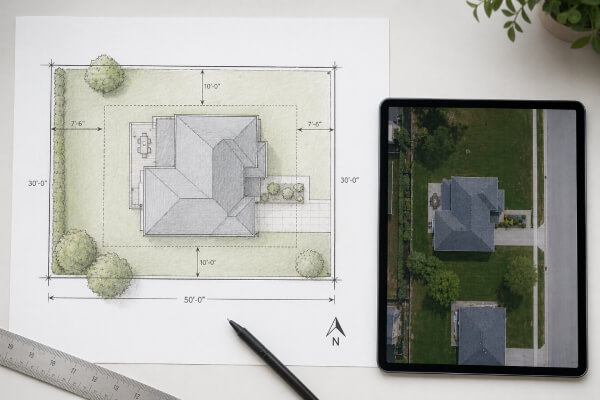
A plot plan is a scaled overhead drawing of your property that shows property lines with all necessary elements. Therefore, it is a legal technical document, not a visual reference.
Google Maps is a satellite imagery platform. It shows you what a property looks like from above but it does not tell you where the legal property boundary is, how far a wall sits from the lot line, or whether a proposed addition meets your jurisdiction’s setback requirements.
Per NAHB and US Census Bureau data, 981,911 single-family building permits were issued in 2024 – a 6.7% increase over 2023 [1]. Not one of those applications was approved with a Google Maps screenshot as the plot plan. Building departments require measured, verifiable documents, and satellite imagery does not qualify.

When you take a screenshot from Google Maps or Google Earth, you get a raster image /- pixels on a screen. A permit-ready plot plan is a vector document drawn to a stated scale (for example, 1 inch = 20 feet) with measured dimensions, labeled setback lines, dimensions for all the structures on the property etc. A satellite screenshot contains none of these elements.
The US Census Bureau tracks approximately 19,900 permit-issuing jurisdictions across the United States, each with its own submittal requirements [2].
There is no single national standard that Google Maps could be engineered to satisfy. Some jurisdictions require certified drawings; others accept non-certified professional plans. What none of them accept is an unscaled, unmeasured aerial image.
The table below shows what doesn’t show compared to permit-ready plot plan.
| Element | Google Maps Screenshot | Permit-Ready Plot Plan |
| Scale | None (pixels only) | Stated scale (e.g., 1″ = 20′) |
| Property lines | Not shown | Measured and labeled |
| Setback distances | Not shown | Required by jurisdiction |
| North arrow | Not included | Required |
| Parcel ID | Not included | Required |
| Coordinate accuracy | Approximations only | Survey-grade per ASPRS/FGDC |
| Legal validity | None | Accepted by permit offices |
TABLE 1 : What a Google Maps Screenshot Contains vs. What a Permit Plot Plan Requires
If you’re not familiar with what these elements look like on an actual document, our guide on How To Read a Plot Plan walks you through each one.
Additionally, Google explicitly states that its coordinates are “only approximations” and does not warrant the accuracy of its geographic data.
A peer-reviewed geospatial accuracy study (arXiv, 2022) measured Google Earth’s horizontal error at between 10.3 ft and 8.8 ft in urban areas [3]. Therefore, permit offices cannot approve a document that introduces this level of uncertainty into a legal construction record.

Building departments don’t just need a visual reference – they need a document that meets defined accuracy standards.
The ASPRS 2023 Positional Accuracy Standards identify construction site plans as a regulated category requiring survey-grade positional accuracy at the 95% confidence level [4]. The FGDC NSSDA federal standard (maintained by the USGS) applies the same requirement to preliminary site planning. Satellite imagery has not been tested or certified against either standard [5].
The practical consequences of ignoring this are measurable. The City of Philadelphia’s Department of Licenses and Inspections listed incomplete and non-compliant plans among the leading causes of permit rejection in its 2024 guidance, noting plainly: “Incomplete information will result in the rejection of this submittal” [6].
Per NAHB’s Cost of Constructing a Home 2024 report, the average permit fee for a new single-family home is $7,640 – a cost that is typically non-refundable on rejection [7]. Submitting the wrong document at the start is an expensive detour.

Google Maps is a genuinely useful tool at the right stage of a project.
Before you commission a plot plan, you can use Google Maps to identify your parcel, get a rough sense of the lot’s orientation, and communicate your project concept visually with a contractor or architect. It gives everyone a shared visual reference before the technical work begins.
What Google Maps cannot do is serve as the technical basis for a permit document. It cannot be used for setback measurements, property boundary determination, or catastral documentation.
The moment your project moves from concept to permit application, you need a document built on GIS data and parcel records – not satellite imagery.
Think of Google Maps as the sketch pad before the blueprint. It helps you orient the conversation – your building department requires the blueprint.
Google Maps includes a distance measurement tool, but the measurements it produces are not reliable for legal or permit purposes. Google explicitly disclaims the accuracy of its coordinate data, and independent research has measured horizontal errors of up to 8.8 feet in urban areas.
Google Earth uses the same underlying satellite imagery and coordinate system as Google Maps, so it carries the same accuracy limitations. Neither is a substitute for a scaled, GIS-based plot plan for permit submission
No. The US Census Bureau tracks approximately 19,900 permit-issuing jurisdictions in the US, each with its own requirements. Therefore, always confirm requirements with your local building department before submitting.
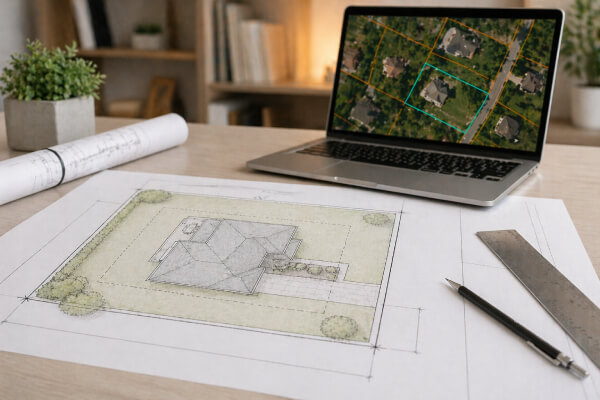
You now know why Google Maps won’t work and what your building department actually needs. The next step is practical: getting a permit-ready plot plan.
GetASitePlan delivers professional plot plans built on GIS data and verified parcel records – not Google Maps screenshots. Plans are drawn to scale, include all required elements (property lines, setbacks, north arrow, parcel ID), and are accepted by most US building departments for residential and commercial permit applications. Turnaround is typically 24 hours.
Get your site plan for permits and move your project from concept to permit-ready without delays.
References:

Planning a home addition, building a garage, or installing a swimming pool usually involves more than deciding where the new structure should go. You also need to show how the
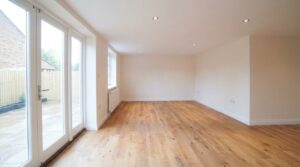
Adding a room to your house costs approximately $48,000 on average in 2026, with many homeowners spending between $20,900 and $72,600. Larger additions, bathrooms, and primary suites can cost considerably
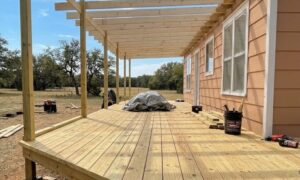
Building a new deck costs $8,321 on average in 2026, with most homeowners spending between $4,339 and $12,653. According to Angi’s 2026 deck cost data, those figures come from more
