Room Addition Cost [2026 Data]
Adding a room to your house costs approximately $48,000 on average in 2026, with many homeowners spending between $20,900 and $72,600. Larger additions, bathrooms, and primary suites can cost considerably




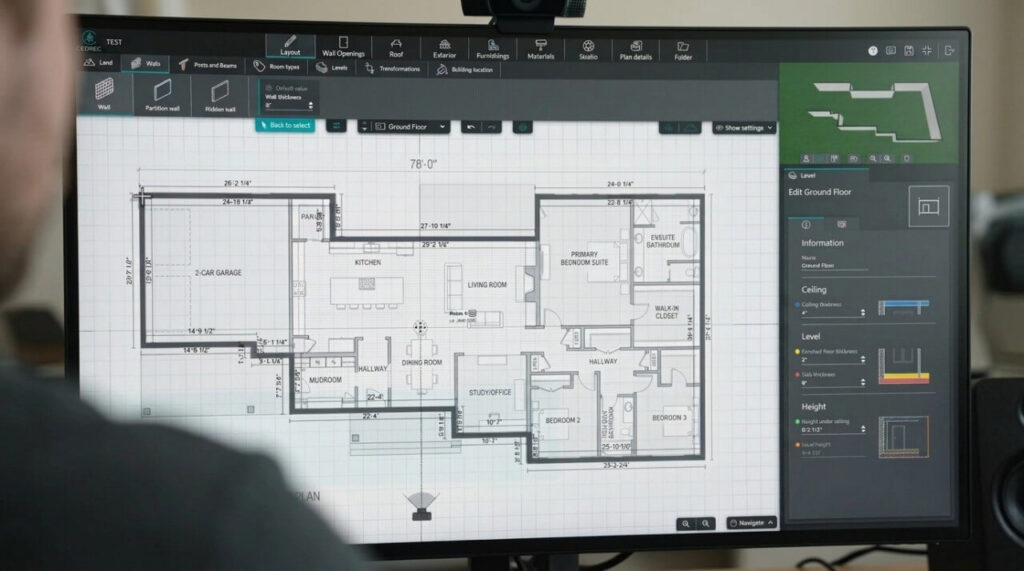

The best site plan software for 2026 includes AutoCAD, SmartDraw, Cedreo, SketchUp, ConceptDraw, ArcSite, ZWCAD, RoomSketcher, and LibreCAD. Each serves a different purpose, from simple backyard layouts to detailed construction drawings.
For beginners, SmartDraw and RoomSketcher are the best choices. AutoCAD and ZWCAD offer more advanced drafting capabilities, SketchUp and Cedreo are particularly useful for 3D visualization, and LibreCAD provides a genuinely free desktop alternative.
However, creating a site plan for a building permit is different from designing a backyard layout. Software can produce accurate drawings, but you still need reliable property measurements and must meet your local permitting requirements.
We’ve compared nine site plan drawing programs based on their features, ease of use, availability, and limitations. Here’s what we found out.
| Software | Best For | Platform | Free Option |
| AutoCAD | Professional CAD drafting | Desktop, web | Trial |
| SmartDraw | Simple 2D site plans | Online | Trial |
| Cedreo | Residential site plans and 3D | Online | Limited free plan |
| SketchUp | 3D site visualization | Online, desktop | Free web version |
| ConceptDraw | Site diagrams and landscaping | Desktop | Trial |
| ArcSite | Contractors working on-site | Tablet, mobile | Trial |
| ZWCAD | Professional 2D CAD | Desktop | Trial |
| RoomSketcher | Homeowners and backyard planning | Desktop, tablet | Limited free plan |
| LibreCAD | Free 2D technical drafting | Desktop | Completely free |
Availability and plan restrictions are based on published software information for 2026. Check current licensing and export options before purchasing.
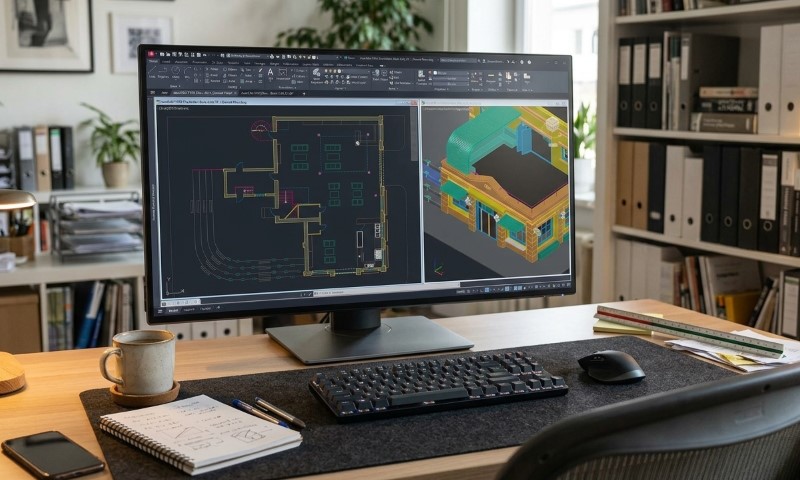
AutoCAD remains one of the strongest options for professionals who need detailed, dimensionally accurate site plans.
Developed by Autodesk, it supports 2D drafting, 3D modeling, dimensions, annotations, layers, and DWG files. Architects, engineers, and professional drafting teams use it for construction documentation and technical drawings.
With AutoCAD’s drafting tools, you can create property boundaries, building footprints, driveways, setback lines, and other features at a defined scale. Autodesk also offers AutoCAD LT for users primarily interested in 2D drawings.
Advantages
Drawbacks: AutoCAD requires substantial training, and its subscription cost is difficult to justify for a single homeowner project.
Our assessment: Excellent for professionals preparing site plans regularly, but excessive for someone who only needs a drawing for one fence or shed permit.
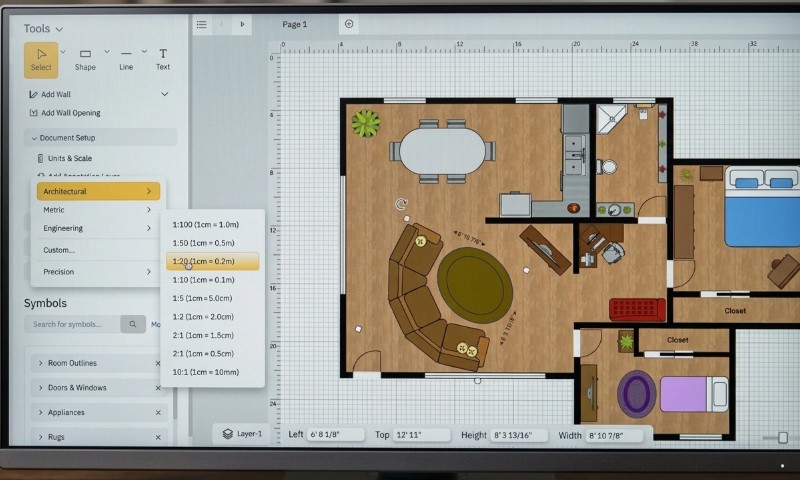
SmartDraw is a practical option for homeowners who want a straightforward site plan without learning traditional CAD software.
Its browser-based editor includes templates, drag-and-drop symbols, customizable dimensions, and scaling tools. You can add buildings, trees, walkways, parking areas, and other outdoor features.
One particularly useful feature is the ability to import an existing PDF or satellite image, adjust its scale, and draw over it.
Finished drawings can be exported as PDFs or image files. The SmartDraw site plan editor also supports layers and custom drawing scales.
Advantages
Drawbacks: Limited 3D capabilities and fewer advanced engineering tools. SmartDraw offers a free trial rather than a permanently free subscription.
Our assessment: One of the better choices for basic residential layouts, especially when speed and simplicity matter more than sophisticated modeling.
Cedreo is designed primarily for home builders, residential contractors, and remodeling professionals.
Unlike general drafting tools, it combines site planning with home design and 3D visualization. Users can draw lot boundaries, position buildings, incorporate outdoor features, and represent sloped terrain.
Its site planning features include setback dimensions, elevation points, contour lines, and building placement. Changes made in 2D are reflected in the 3D model, making project presentations easier to prepare.
Cedreo runs entirely in a browser, and its free plan allows one project with restricted features.
Advantages
Drawbacks: The free version has restrictions, and advanced functionality requires a paid plan.
Our assessment: Particularly useful for contractors who need to show clients how a proposed home, addition, or garage will fit on the property.
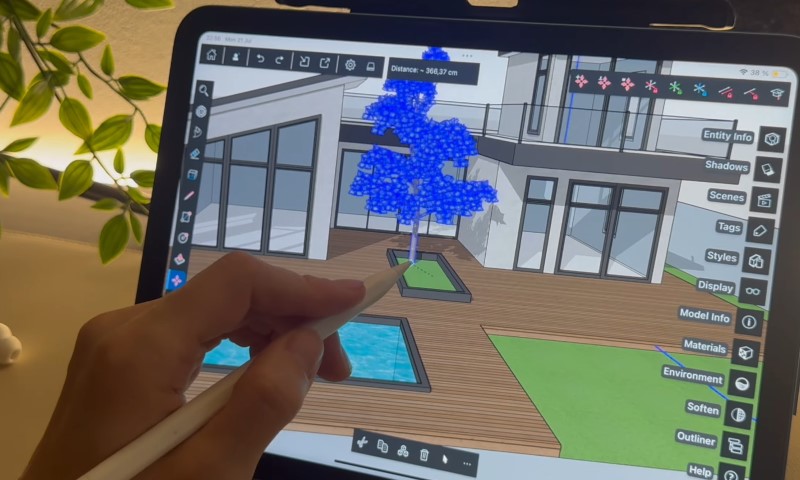
SketchUp is especially useful when you want to visualize how proposed structures will look on your property.
The software allows users to create detailed 3D models of houses, garages, outdoor structures, and surrounding spaces. Its extensive model library makes it easier to add architectural and landscaping elements.
SketchUp for Web is available without a subscription, although its free version has limited features and is intended for noncommercial use. Professional desktop versions offer more advanced modeling and documentation capabilities.
SketchUp’s biggest advantage is visual flexibility. You can experiment with building placement, proportions, and the relationship between structures.
However, 3D modeling doesn’t automatically produce a complete permit-ready site plan. Preparing accurate dimensions, annotations, and printable technical drawings requires additional work.
For property owners primarily interested in visualizing a project before construction, SketchUp is worth considering.
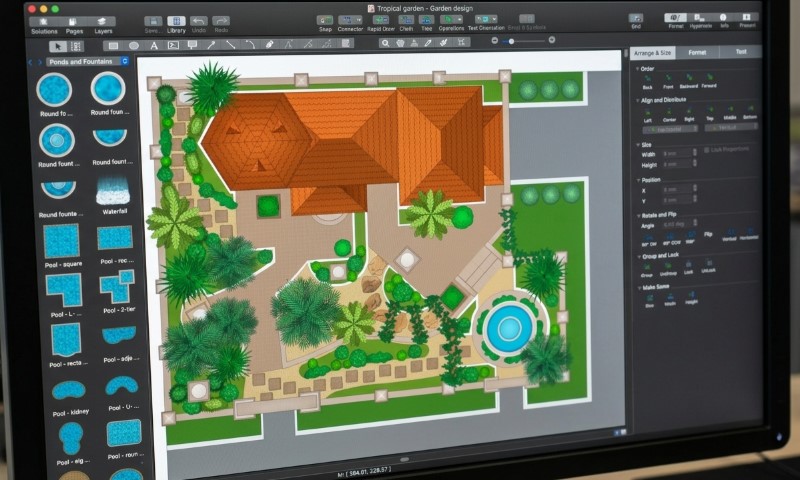
ConceptDraw DIAGRAM offers an alternative to conventional CAD software for creating organized 2D site plans.
Its dedicated Site Plans solution includes templates and vector symbols representing buildings, roads, vehicles, trees, and outdoor features.
Users can set drawing scales, adjust dimensions, and arrange different elements across layers. The ConceptDraw site planning tools are available for Windows and macOS, with the specialized Site Plans solution offered separately.
The software works particularly well for:
ConceptDraw is less suitable for complex engineering drawings or detailed 3D terrain modeling.
Our assessment: A reasonable desktop choice for visually clear 2D plans, although dedicated CAD applications provide greater flexibility for technical drafting.
ArcSite focuses on contractors who need to measure, sketch, and document properties directly at the job site.
Its tablet-oriented drawing tools support scaled plans, dimensions, custom shapes, and integration with measuring equipment.
Contractors can also calculate material quantities and prepare estimates based on their drawings.
According to ArcSite’s site planning guide, the platform supports imported reference images, field measurements, and offline drawing capabilities.
The ability to work directly on an iPad or tablet is particularly valuable for fencing, landscaping, concrete, and similar projects.
However, ArcSite focuses heavily on fieldwork and estimating. It is less appropriate for homeowners looking for a simple, inexpensive site plan creator.
For contractors regularly documenting outdoor projects, its integrated workflow is a meaningful advantage.
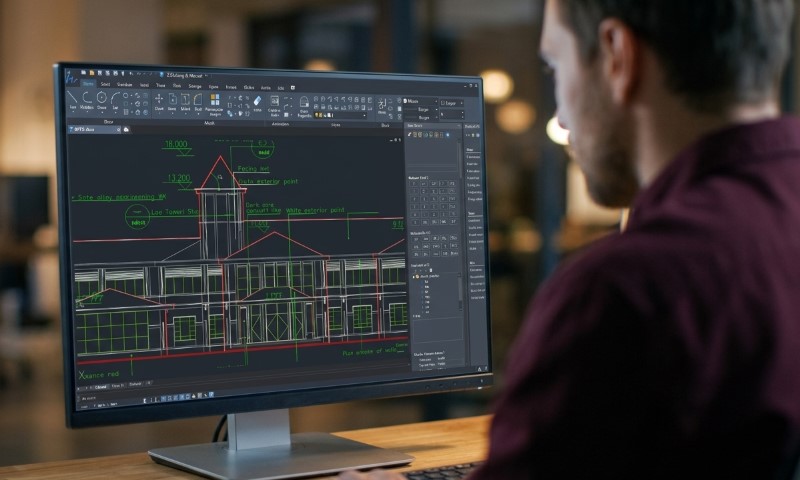
ZWCAD is professional CAD software designed for users who need precise drafting without relying on AutoCAD.
It supports DWG files, layers, dimensions, annotations, and professional drawing workflows.
The software is particularly suitable for preparing detailed 2D property layouts, construction drawings, and site plans.
Unlike subscription-focused alternatives, ZWCAD offers perpetual licenses. Its Standard edition concentrates on 2D drafting, and the Professional edition adds more advanced 3D capabilities.
Main strengths: Professional drafting tools, DWG compatibility, and one-time licensing options.
Its limitations include a learning curve similar to other CAD programs and Windows-focused desktop availability.
ZWCAD makes the most sense for professional users who regularly produce technical drawings and prefer purchasing software rather than maintaining an ongoing subscription.
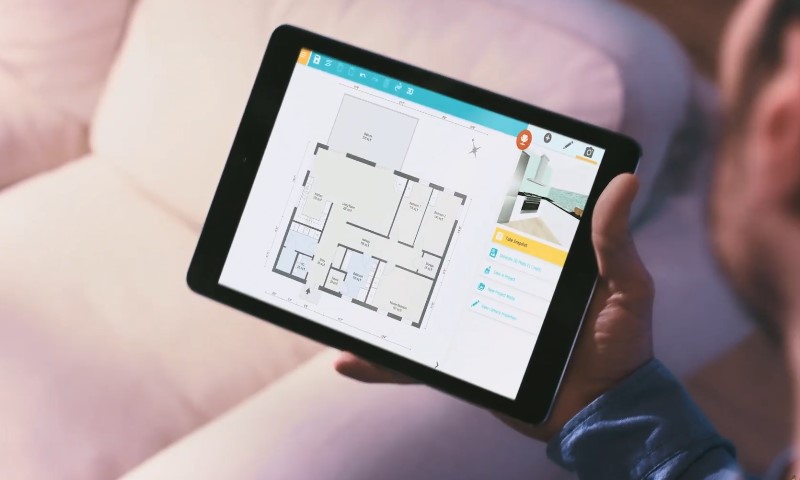
RoomSketcher combines straightforward drawing tools with 2D and 3D property visualization.
It allows homeowners to outline buildings, create garden layouts, position driveways, and add fences, patios, plants, and other outdoor elements.
Its site plan design features are particularly accessible for users without architectural experience. A free subscription supports basic drafting, although advanced outdoor libraries and professional outputs require upgrading.
RoomSketcher is suitable for backyard renovations, landscaping concepts, and preliminary planning.
However, it is primarily a residential design and visualization tool rather than a comprehensive technical CAD platform.
For homeowners preparing a simple layout or exploring improvements before hiring a contractor, it offers a reasonable balance between usability and functionality.
LibreCAD deserves a place on our 2026 list because it provides something many supposedly free site plan programs don’t: full access to its core 2D CAD functionality without a subscription.
LibreCAD is open-source software available for Windows, macOS, and Linux. It supports precise geometric drawings, layers, dimensions, and standard CAD workflows.
You can use it to draw property boundaries, building footprints, driveways, and other site features using known measurements.
However, LibreCAD doesn’t provide the convenient landscaping libraries or 3D visualization tools available in some paid applications.
It also requires an understanding of basic CAD drafting.
Our assessment: The strongest free desktop option on this list for users who want to create technical 2D drawings and are comfortable learning CAD fundamentals.
Your preferred platform and budget will help narrow the options.
LibreCAD is our recommendation for users looking for genuinely free 2D CAD software.
SketchUp Free is useful for noncommercial 3D concept modeling, and RoomSketcher and Cedreo provide limited free plans for exploring their interfaces.
Remember that a free trial and a permanently free application are different things. Check export restrictions before investing time in a drawing.
SmartDraw is a good starting point for straightforward 2D property layouts.
Cedreo provides more extensive residential design and 3D features, and SketchUp for Web offers accessible 3D modeling.
Browser-based software eliminates installation requirements, although internet access and subscription restrictions can affect your workflow.
AutoCAD and ZWCAD are well suited to professional technical drafting.
ConceptDraw offers simpler diagram-based site planning, and LibreCAD is a free alternative for basic 2D CAD work.
Desktop applications are worth considering if you frequently work with technical drawings or need greater control over files and drafting tools.
Before choosing a program, establish what your finished drawing needs to accomplish.
A landscaping concept doesn’t necessarily require the same detail as a site plan for a building permit.
For permit-related work, prioritize software that supports:

The City of Portland’s site plan guidelines provide an example of how specific these requirements can become. They address drawing scales, sheet sizes, north arrows, and information required for residential permit submissions.
The software alone cannot establish your legal property boundaries or determine whether a proposed structure satisfies zoning requirements.
If you’re preparing your first drawing, our guide explaining how to draw a site plan covers the basic process.
Yes, provided the finished drawing meets your local building department’s requirements.
Permit authorities evaluate the information and documentation submitted, not simply the software used to create it.
For example, the City of Bellevue’s residential requirements require accurate property dimensions, setbacks, and other site information. Aerial photographs alone are not acceptable site plans.
You should also confirm whether your project requires a licensed professional. Some developments need a certified site plan or surveyed boundaries rather than a homeowner-prepared drawing.
A technically accurate drawing is only useful for permitting if it contains the information your local authority requires.
If you only need one site plan for a permit application or HOA approval, purchasing software and learning how to use it might not be worthwhile.
At Get a Site Plan, we prepare non-certified site and plot plans online using available property records, GIS data, satellite imagery, and information supplied by the property owner.
Our drafting services eliminate the need to purchase software or prepare the drawing yourself. We offer different levels of detail, PDF delivery, revisions under applicable packages, and expedited turnaround options.
You can review our site plan pricing and packages to determine which option suits your project.
Our non-certified drawings do not replace a land survey or licensed professional’s documentation when required. Your local authority has the final say on whether a plan is acceptable.
For simple residential projects, SmartDraw and RoomSketcher provide accessible interfaces. Cedreo and SketchUp are better suited to visualizing proposed construction, and AutoCAD and ZWCAD offer the technical capabilities professionals need.
LibreCAD is a particularly attractive choice for anyone seeking free 2D CAD software without subscriptions.
Ultimately, the best choice depends on whether you’re planning a project, presenting a design, or preparing documentation for approval.
If you only need a site plan for a single permit or HOA application, having the drawing professionally prepared can be more practical than learning specialized software from scratch.

Adding a room to your house costs approximately $48,000 on average in 2026, with many homeowners spending between $20,900 and $72,600. Larger additions, bathrooms, and primary suites can cost considerably
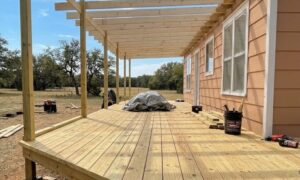
Building a new deck costs $8,321 on average in 2026, with most homeowners spending between $4,339 and $12,653. According to Angi’s 2026 deck cost data, those figures come from more

A general contractor manages the construction side of a project from pre-construction through completion. The job usually includes coordinating subcontractors, ordering materials, managing schedules, handling inspections and permits when required
